This article is translated from the Chinese original.
A few days ago I finished building this blog with Astro, but it felt like something was missing. Then I realized it had no comment system, so this post came out of that. The comment plugin I chose is giscus. It stores comments in GitHub Discussions, so the data is not easy to lose, and you can use almost any repository you want.
Configure giscus
First, there are a few prerequisites for your repository:
- It must be a public GitHub repository
- You must have installed the giscus app
- You must enable Discussions in the repository
Create the configuration at giscus.app.
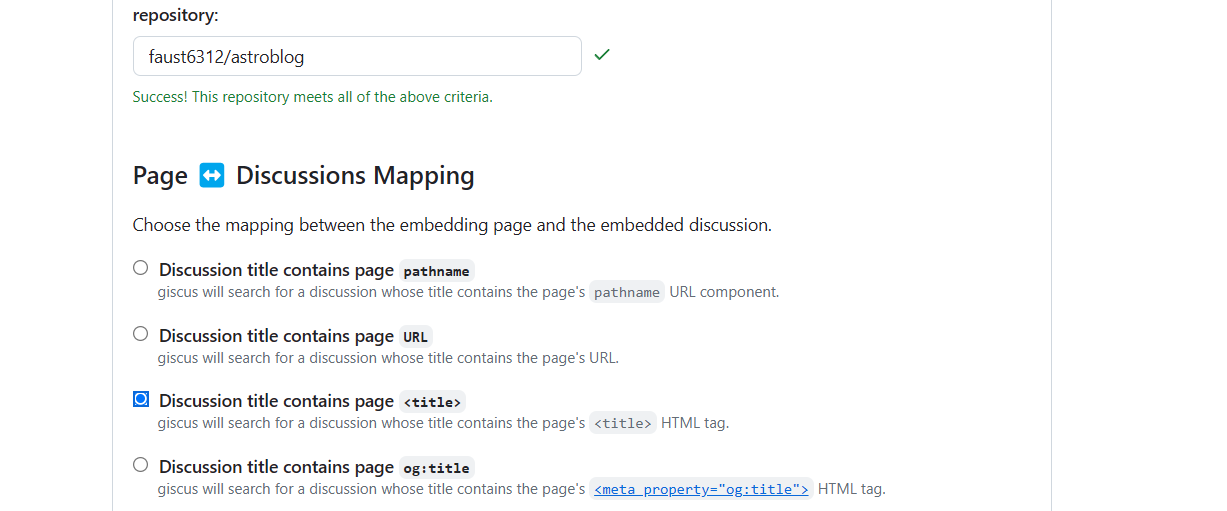
Enter the repository name, then choose to map by <title>, which will be used as the title of the discussion.
Choose Announcements as the category.
Enable the following features:
- reaction
- comment box on top
- lazy loading
For now, choose the dark theme. Theme switching will be covered below.
After configuring it, you will get a code snippet like this:
<script src="https://giscus.app/client.js" data-repo="faust6312/astroblog" data-repo-id="R_kgDONnB1Tadawadadadg" data-category="Announcements" data-category-id="DIC_kwDONnB1Ts4Cldawdada1Oz" data-mapping="title" data-strict="0" data-reactions-enabled="1" data-emit-metadata="0" data-input-position="top" data-theme="dark" data-lang="en" data-loading="lazy" crossorigin="anonymous" async></script>Configure light and dark theme switching
Because the blog can switch between dark and light themes, we install @giscus/react here.
In Astro, you also need to install the React integration.
Clone the repository first:
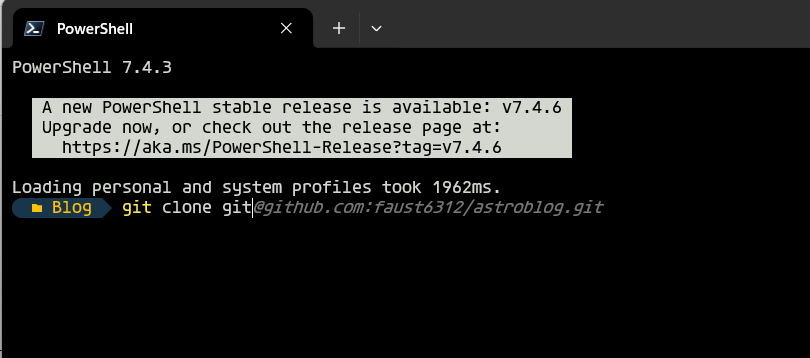
Then run:
pnpm installnpx astro add reactpnpm i @giscus/reactCreate Comment.tsx:
import * as React from 'react';import Giscus from '@giscus/react';
const id = 'inject-comments';
const Comments = () => {  const [mounted, setMounted] = React.useState(false);
  React.useEffect(() => {    setMounted(true);  }, []);
  return (    <div id={id} className="w-full">      {mounted ? (        <Giscus          id={id}          repo="username/repo"          repoId="R_kgDOKeudTw"          category="Announcements"          categoryId="DIC_kwDOKeudT84Cch4W"          mapping="title"          reactionsEnabled="1"          emitMetadata="0"          inputPosition="top"          lang="zh-CN"          loading="lazy"          theme="dark"        />      ) : null}    </div>  );};
export default Comments;
Path: src/components/Comment.tsx
Configure theme switching:
import * as React from 'react'import Giscus from '@giscus/react'
const id = 'inject-comments'
// Read the theme value from localStoragefunction getSavedTheme() {  return window.localStorage.getItem('theme')}
// Read the system themefunction getSystemTheme() {  return window.matchMedia('(prefers-color-scheme: dark)').matches ? 'dark' : 'light'}
const Comments = () => {  const [mounted, setMounted] = React.useState(false)  const [theme, setTheme] = React.useState('light')
  React.useEffect(() => {    const theme = getSavedTheme() || getSystemTheme()    setTheme(theme)    // Watch for theme changes    const observer = new MutationObserver(() => {      setTheme(getSavedTheme())    })    observer.observe(document.documentElement, {      attributes: true,      attributeFilter: ['data-theme'],    })
    // Stop watching    return () => {      observer.disconnect()    }  }, [])
  React.useEffect(() => {    setMounted(true)  }, [])
  return (    <div id={id} className="w-full">      {mounted ? (        <Giscus          id={id}          repo="username/repo"          repoId="R_kgDOKeudTw"          category="Announcements"          categoryId="DIC_kwDOKeudT84Cch4W"          mapping="title"          reactionsEnabled="1"          emitMetadata="0"          inputPosition="top"          lang="zh-CN"          loading="lazy"          theme={theme}        />      ) : null}    </div>  )}
export default Comments
Import the component:
---import Comments from "@components/Comment";---
<!-- Use the client:only directive --><Comments client:only="react" />
Path: src/layouts/BlogPost.astro
Then just push the configured files to the repository and redeploy.
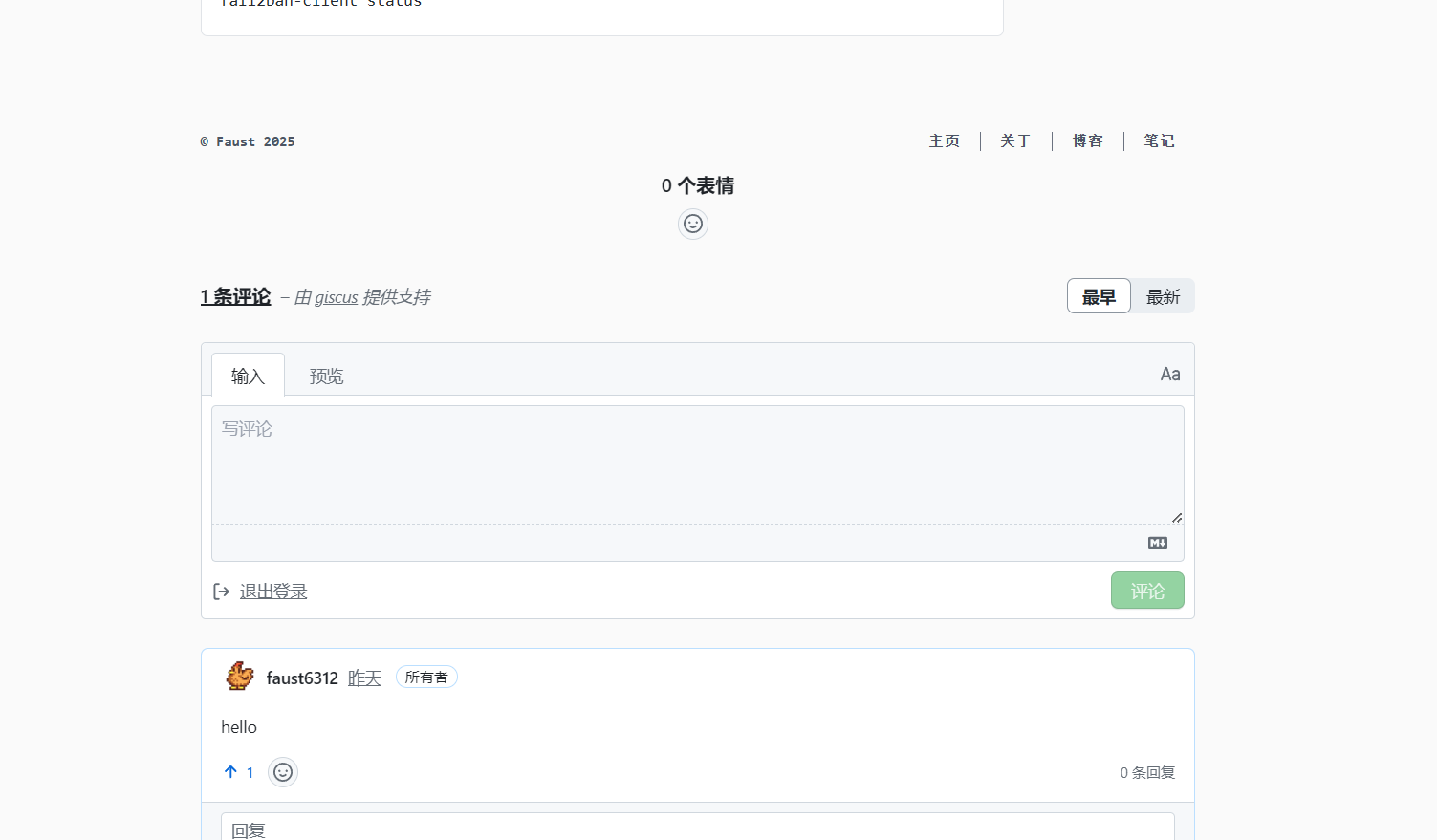
Effect preview: