
This article is translated from the Chinese original.
Getting the DeepSeek API and Several Ways to Use It
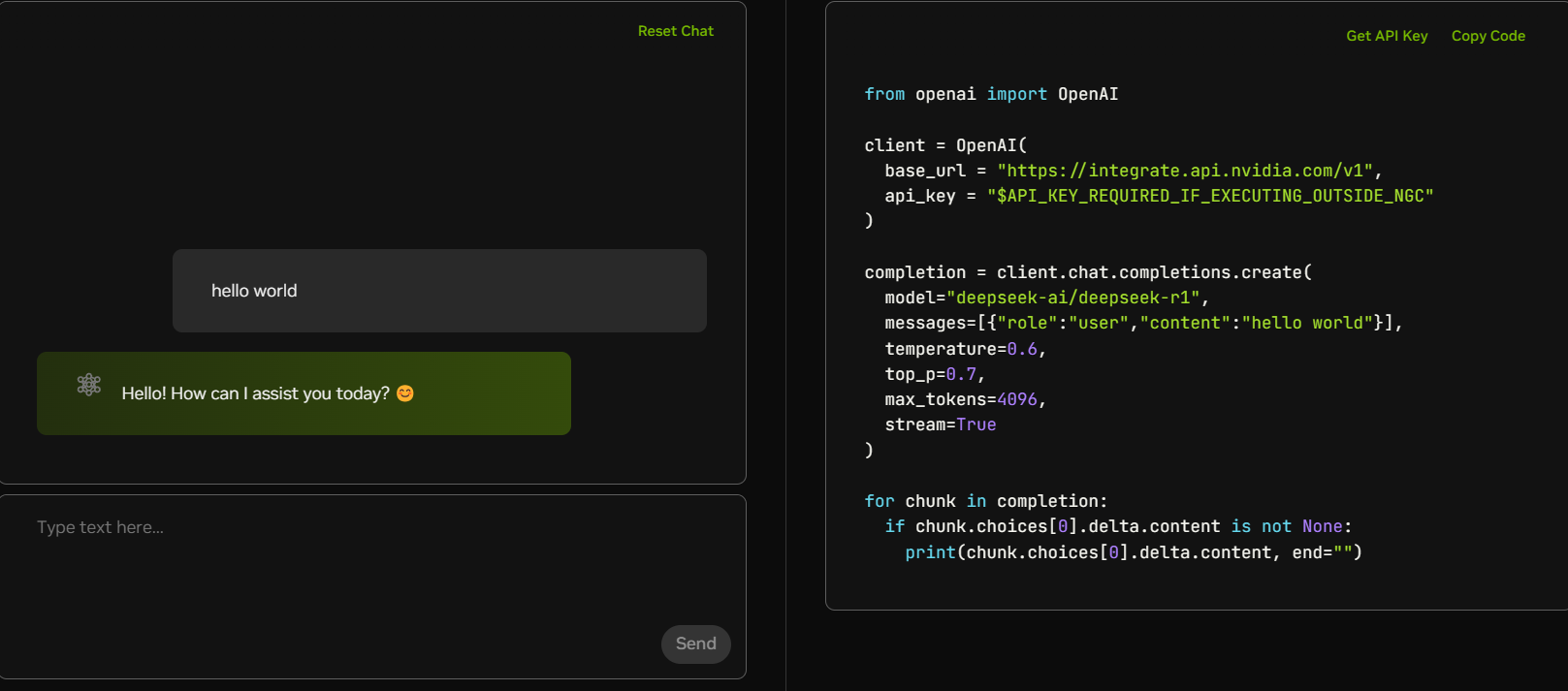
1. Get an NVIDIA API key
1. Register an account
Entry point: NVIDIA NIM platform DeepSeek-R1 page
Account types:
- Personal email: limit of 1000 requests per day (Gmail / Outlook recommended)
- Business email: limit of 5000 requests per day (any business-domain email, no verification required)
Registration process:
- Click
Sign Inin the top-right corner and log in with a Google account. - Fill out the registration form. (The company information can be made up.)
- After submission, you will immediately receive an API key.
2. Key management
Where to find it: Dashboard -> Get API Keys -> nvapi-xxxx
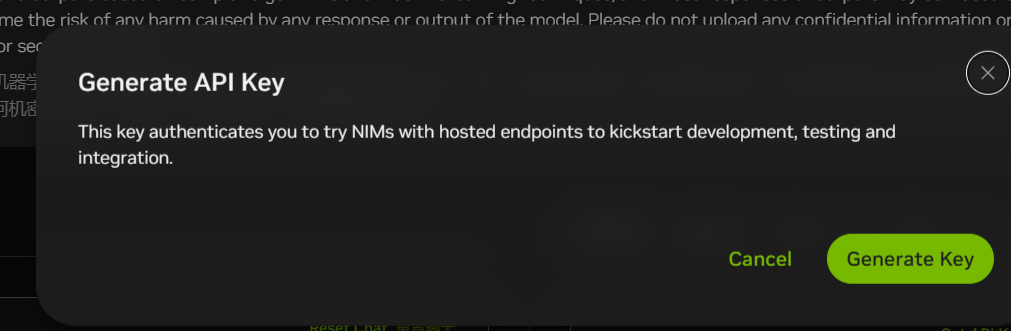
Proxy base URL:
https://integrate.api.nvidia.com/v1Technical details:
- Full non-distilled 671B parameter model
- Supports 16k context
- Average response speed: 2 to 3 seconds per request
2. Local client setup with NextChat
1. Download the client
Supported platforms: Windows / macOS / Linux
Download: GitHub Releases
2. Configure the parameters
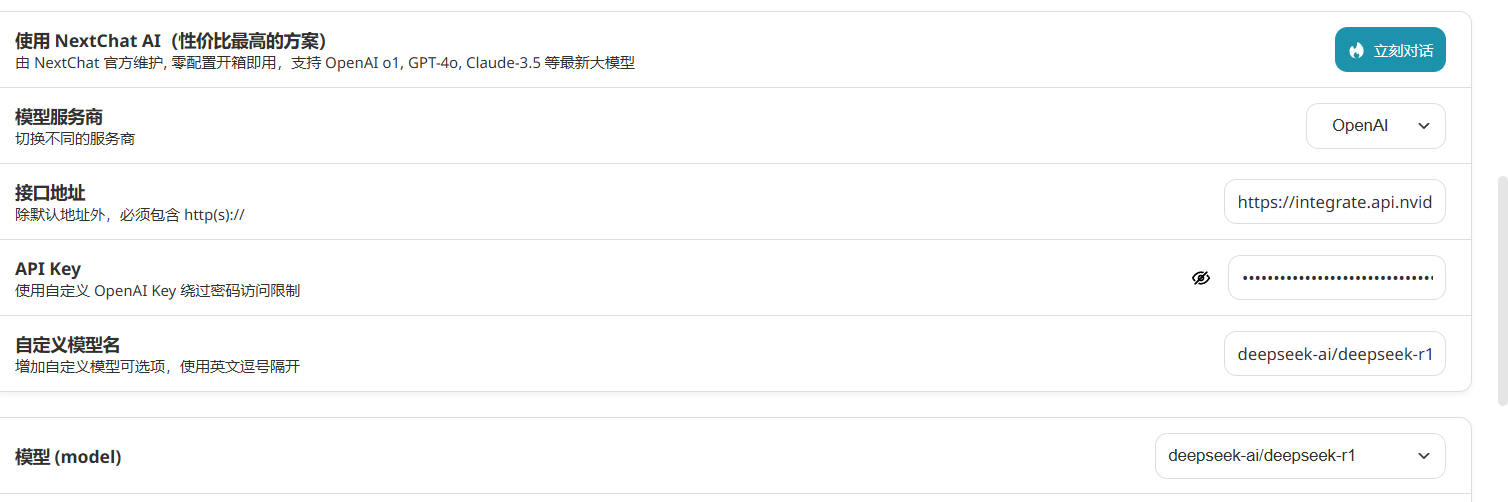
Required fields:
API Base URL: https://integrate.api.nvidia.com/v1API Key: nvapi-xxxxCustom Model ID: deepseek-ai/deepseek-r1Advanced settings:
- Temperature: 0.7 recommended (balances creativity and accuracy)- Max Tokens: 2048 recommended (helps avoid truncation on long output)3. Self-hosted deployment options
Option A: Deploy on Vercel for free (recommended)
Steps:
-
Fork the repository: open NextChat on GitHub and click
Forkin the top-right corner. -
Create a Vercel project:
- Log in to Vercel
- Choose
Import Projectand import the forked repository
-
Configure environment variables:
OPENAI_API_KEY=nvapi-xxxxBASE_URL=https://integrate.api.nvidia.com/v1CODE=access password (for example 123456)CUSTOM_MODELS=deepseek-ai/deepseek-r1DEFAULT_MODEL=deepseek-ai/deepseek-r1 -
After deployment, you will get a domain such as
your-project.vercel.app. You can also bind your own domain. -
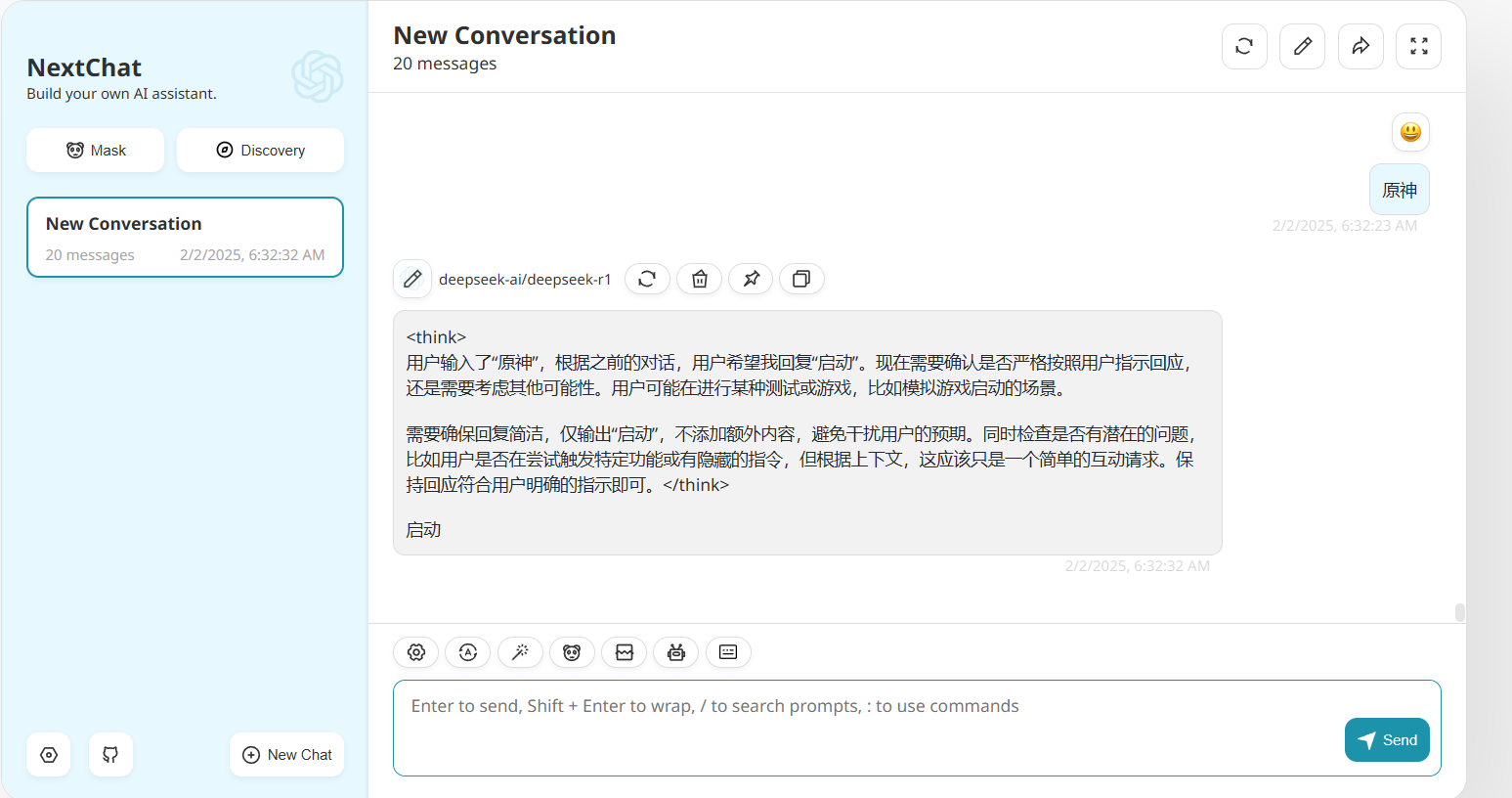
Screenshot
Option B: Local Docker deployment (reference only)
docker-compose.yml:
version: '3'services: nextchat: image: yidadaa/chatgpt-next-web ports: - "3000:3000" environment: - OPENAI_API_KEY=nvapi-xxxx - BASE_URL=https://integrate.api.nvidia.com/v1 - CUSTOM_MODELS=deepseek-ai/deepseek-r1 - DEFAULT_MODEL=deepseek-ai/deepseek-r1 restart: unless-stoppedStart it with:
docker-compose up -d