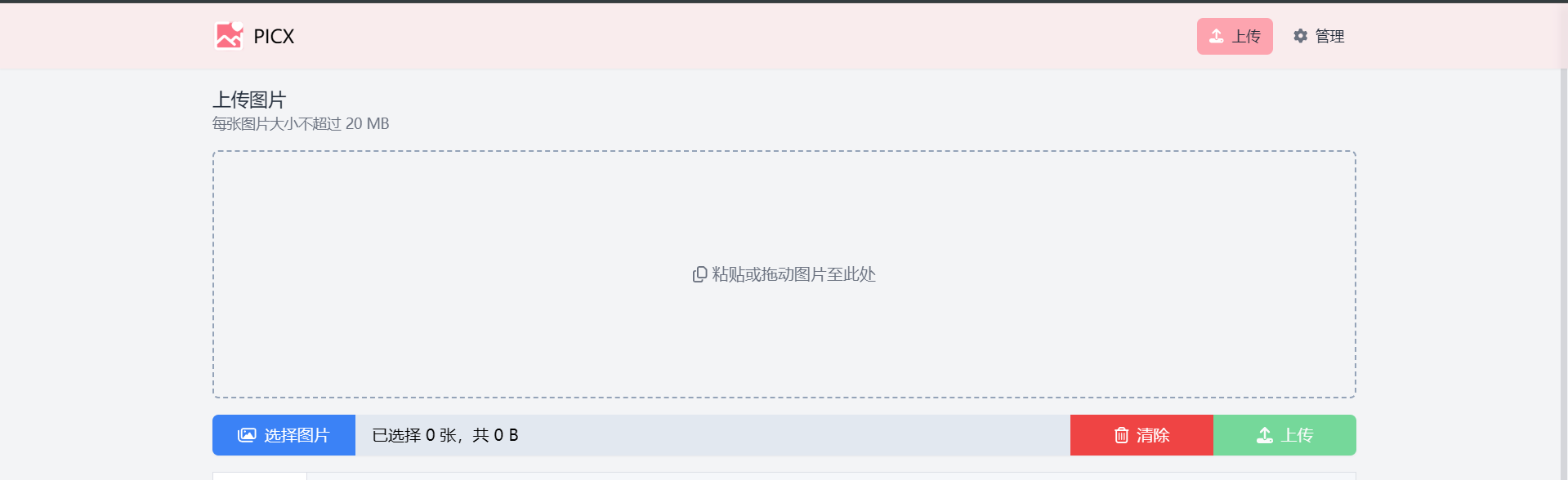
This article is translated from the Chinese original.
1. Create and configure the repository on GitHub
- Visit roim-picx and fork it to your own account.
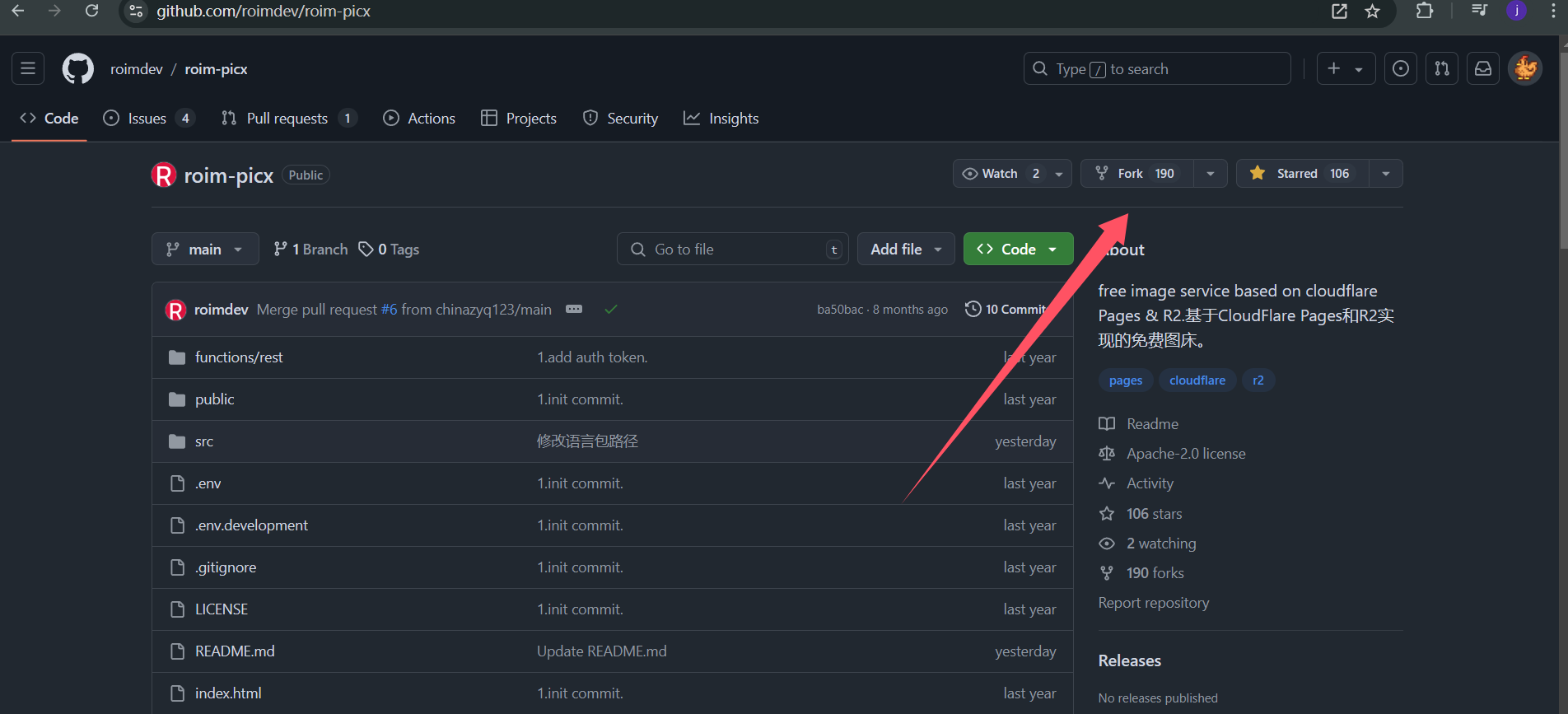
2. Deploy the image host service with Cloudflare Pages
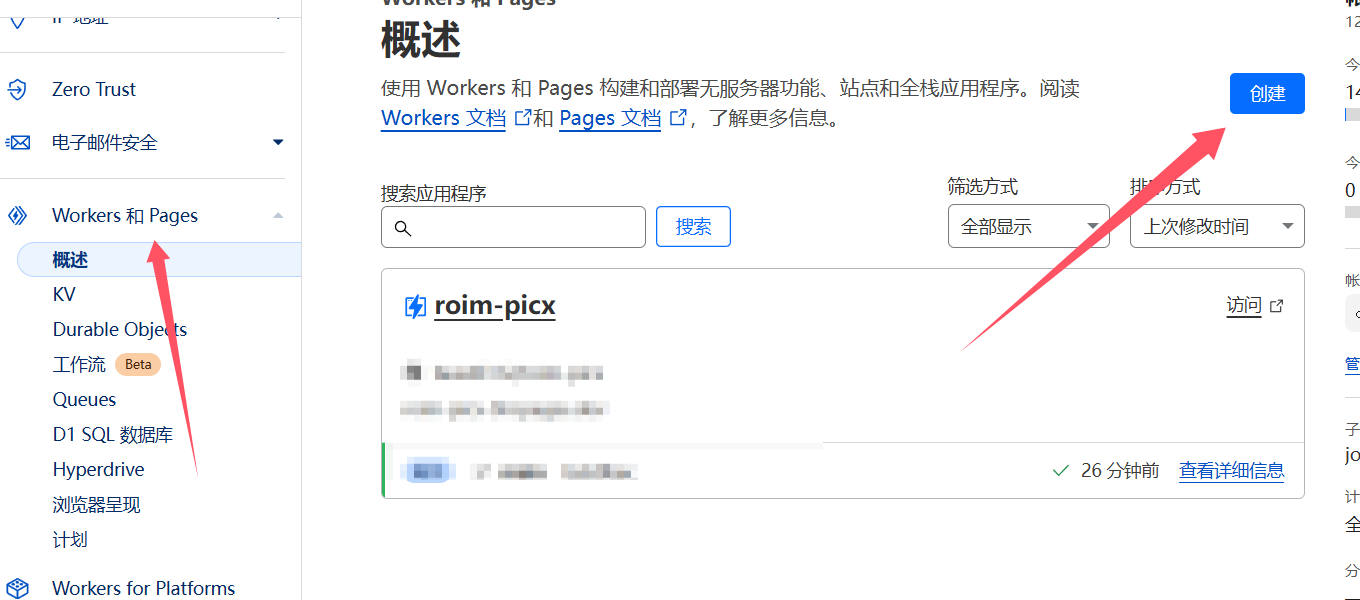
- Log in to Cloudflare and connect it to GitHub as shown below.
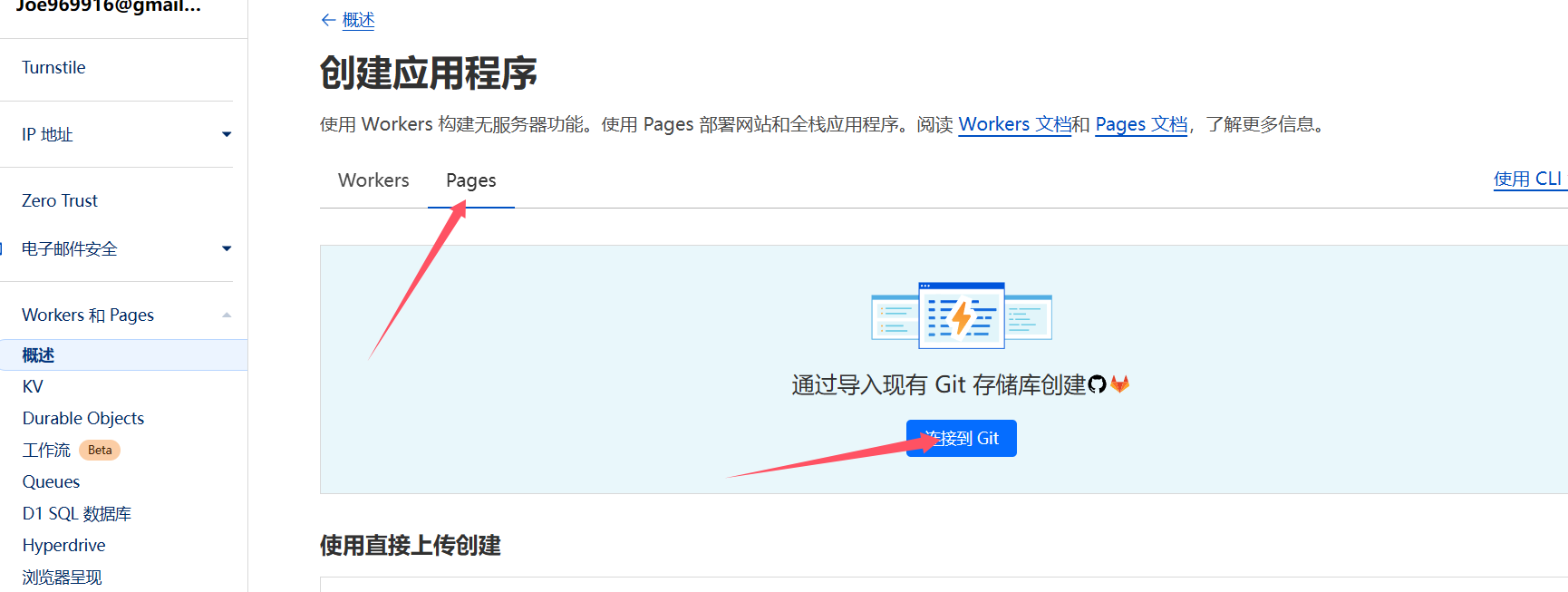
- Choose Pages.
- Select the repository you just forked and start the setup.
- Save and deploy with the default settings. (Choose
VUEhere.) 
- After deployment succeeds, you will see a page that includes the image host URL.
3. Manage the image host
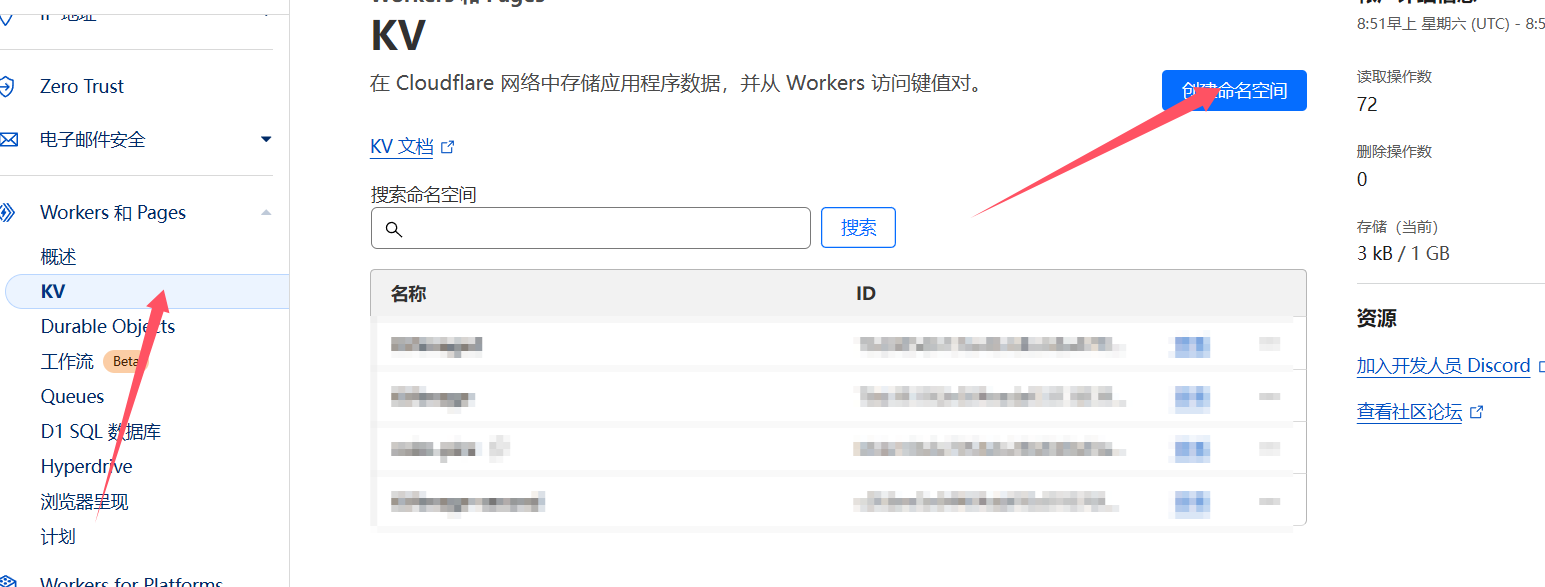
- Create a new KV namespace.
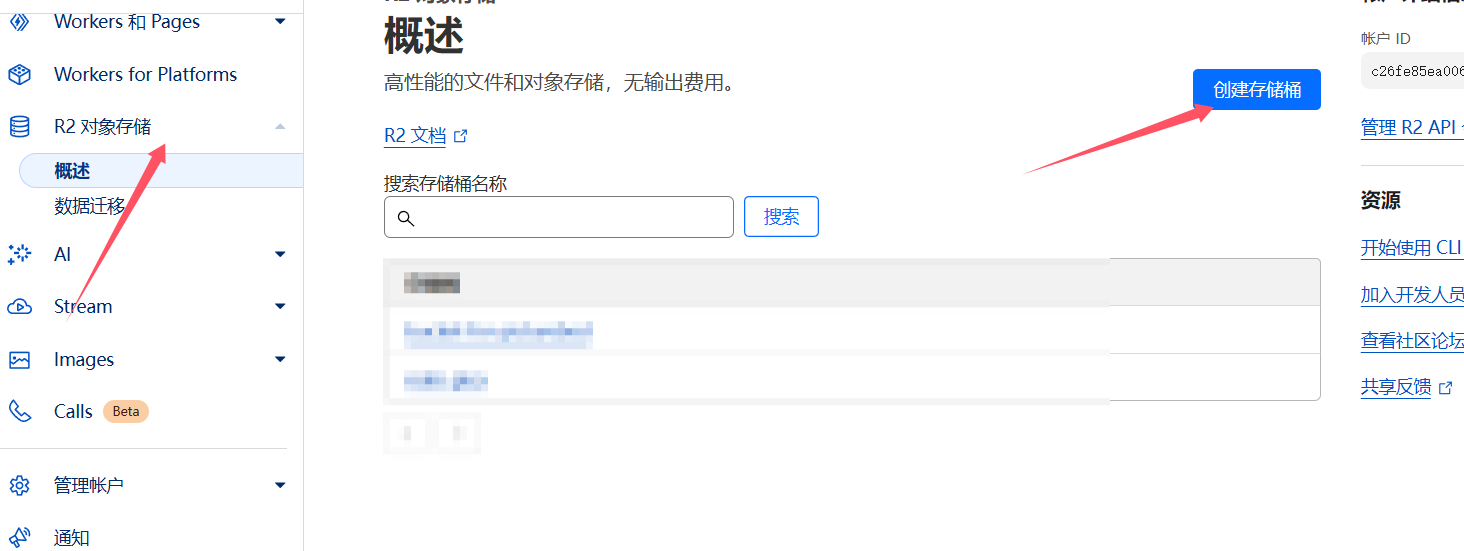
- Create a new R2 bucket.
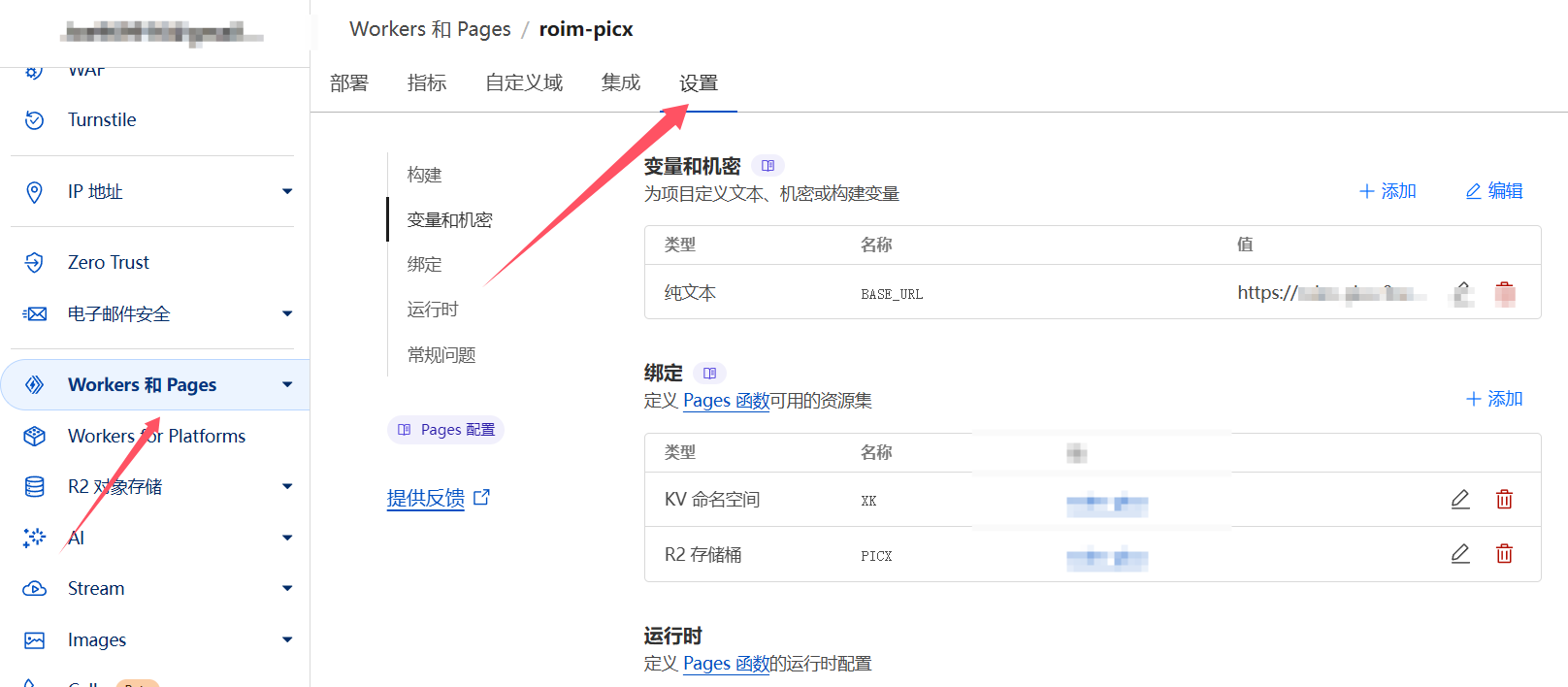
- Go to Settings and bind the three variables shown below.
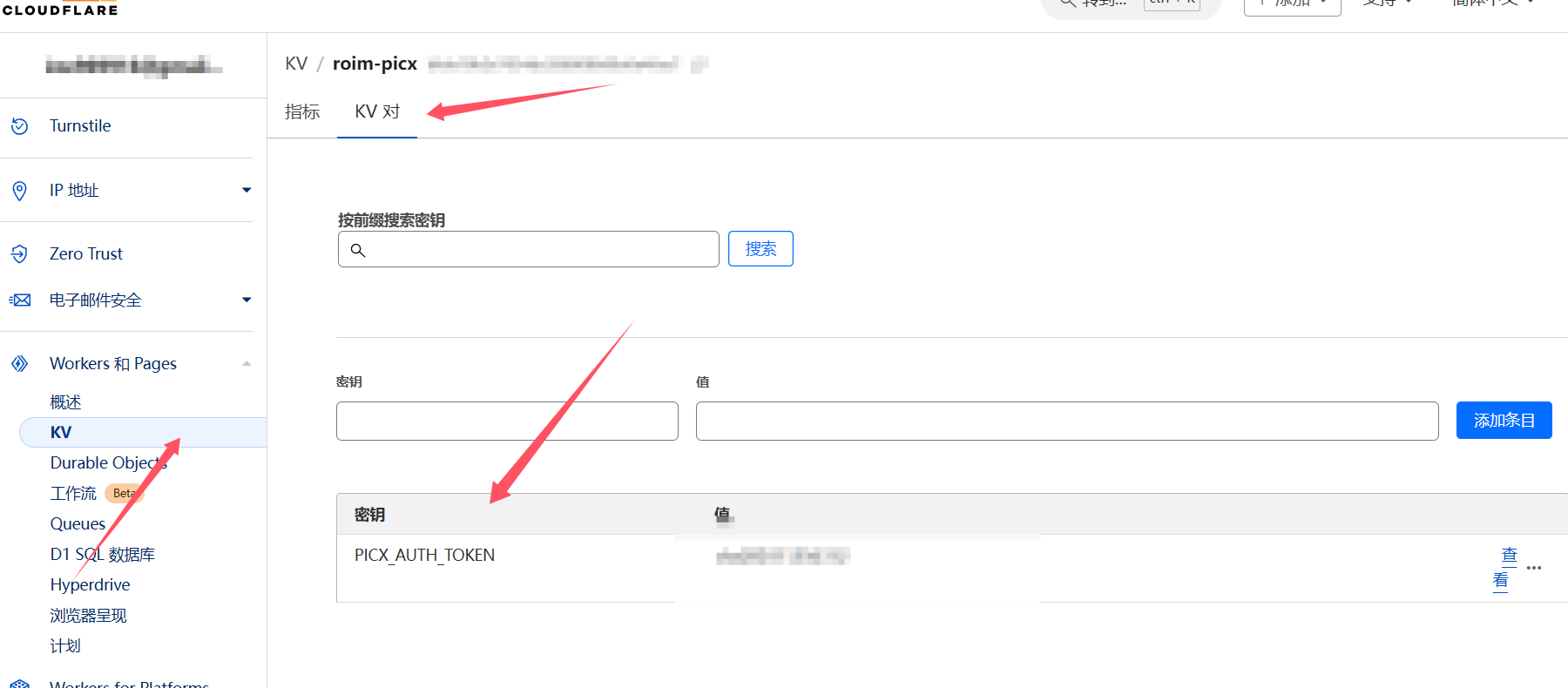
- Go into the KV settings and set the login password.
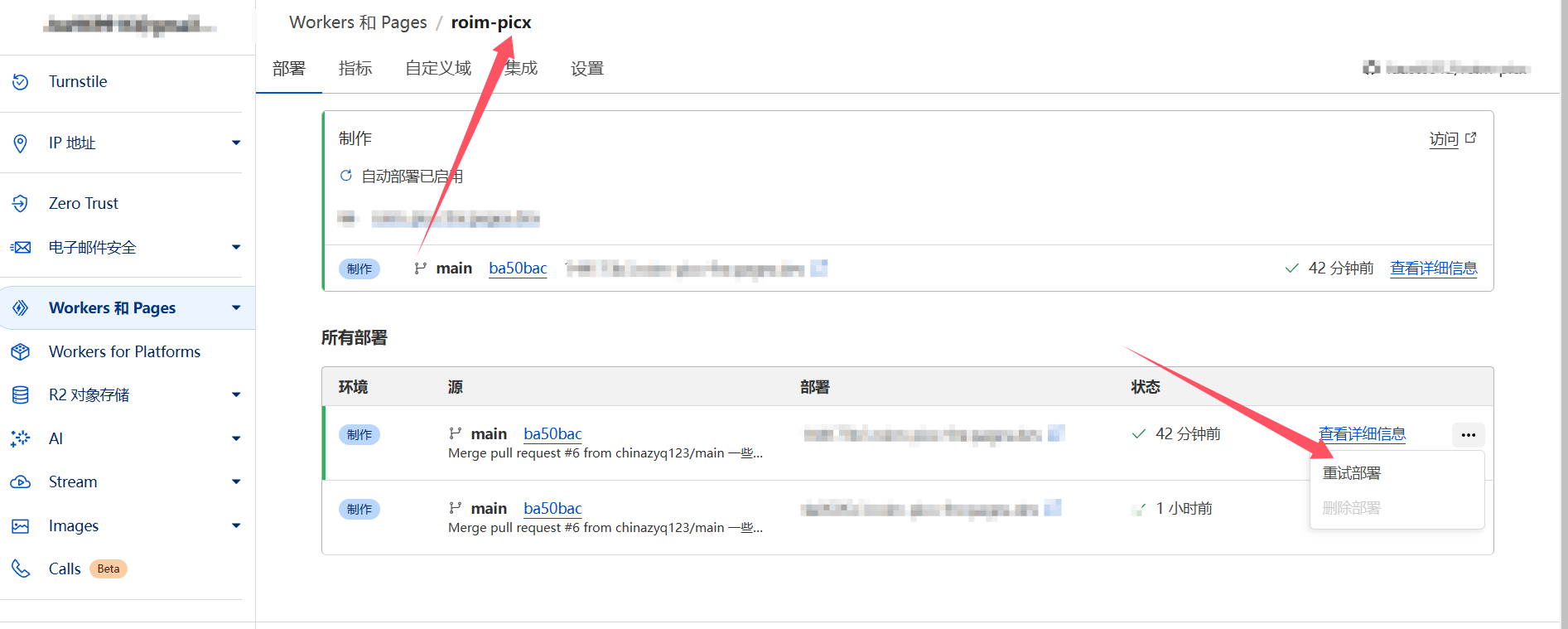
- Finally, redeploy the service.
- Now you can access it through the image host domain name. Enter the
TOKENto get into the upload and management page.