
This article is translated from the Chinese original.
1. Install qBittorrent
Debian:
apt updateapt install -y qbittorrent-noxCentOS:
yum install -y qbittorrent-nox2. Start qBittorrent
Start the web panel on a custom port. (The default is 8080, which is easy to conflict with.)
qbittorrent-nox --webui-port=1145Run it in the background:
qbittorrent-nox -dCheck the version:
qbittorrent-nox -v
(The versions installed through apt and yum are a bit old, but it is fine. I am lazy.)
3. Access the panel
Open the panel according to the address shown in the terminal output.
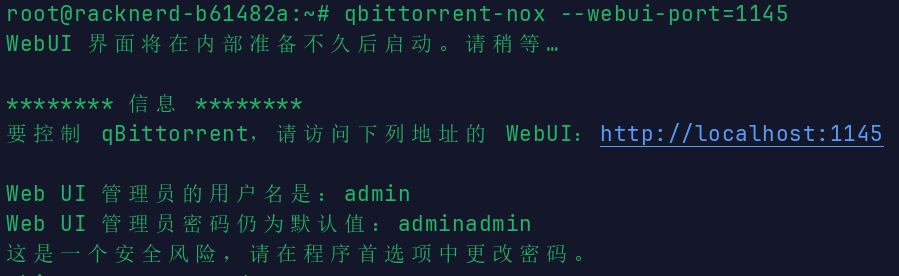
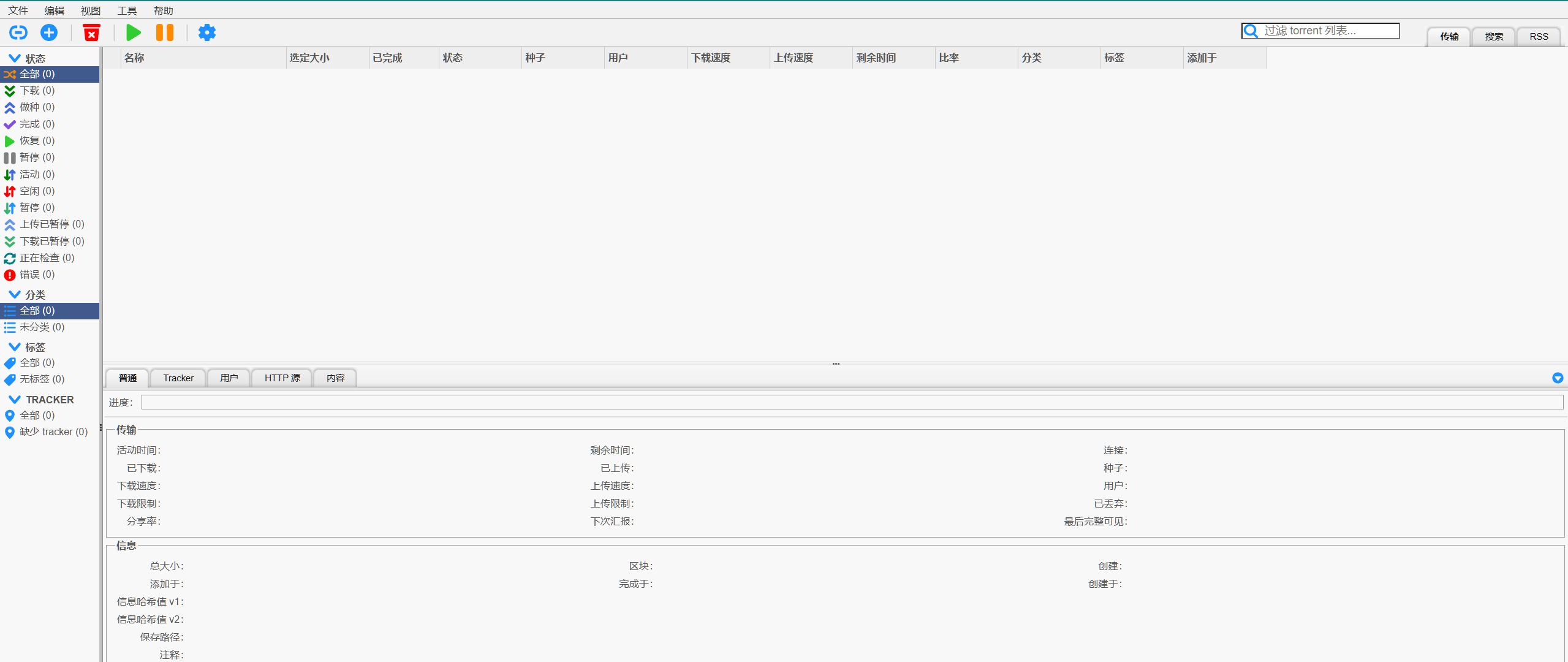
Alright, you are in. (Do not tell me you forgot to open the port.)
Change the password first:
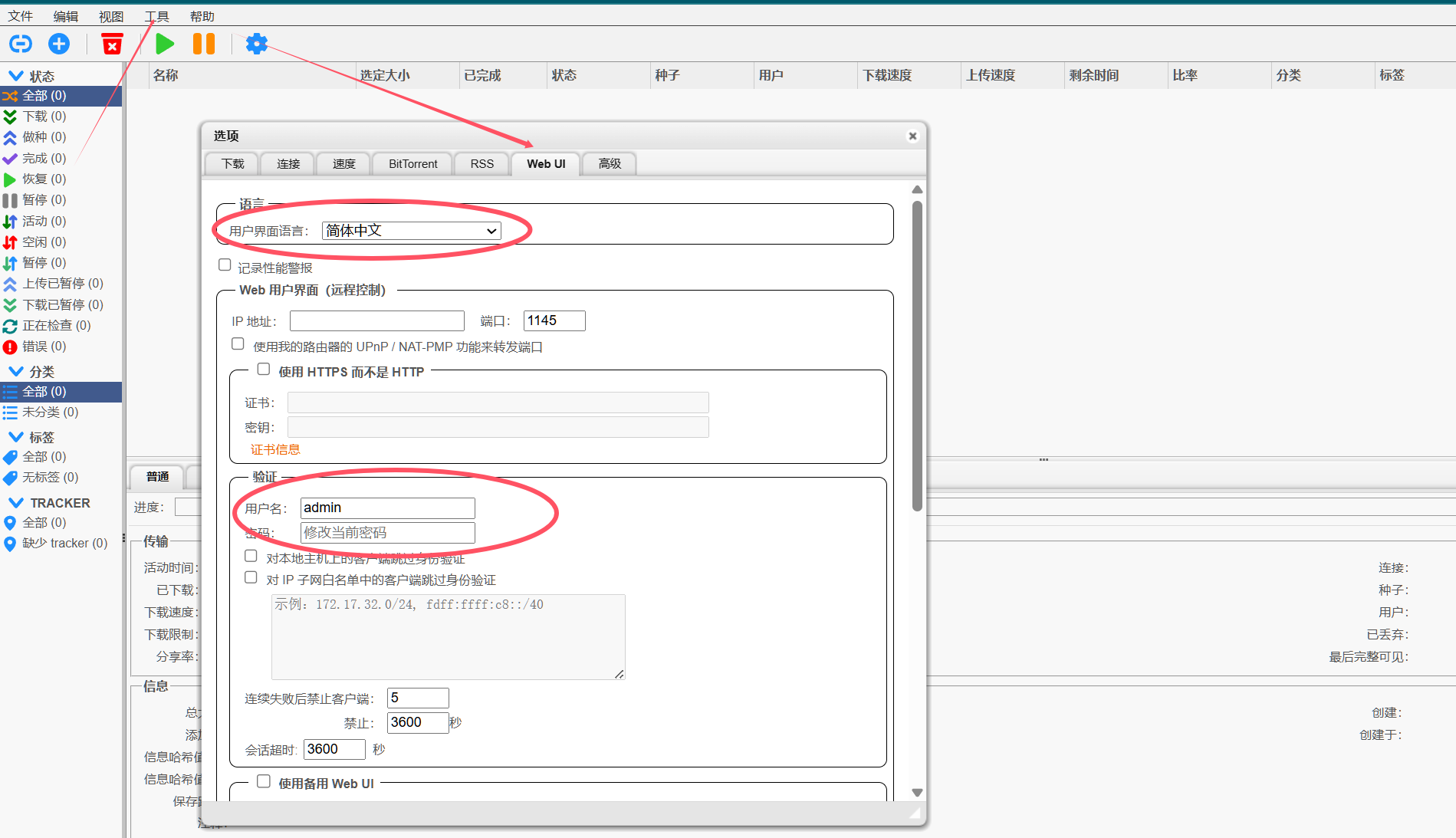
Open an incognito window to test it:
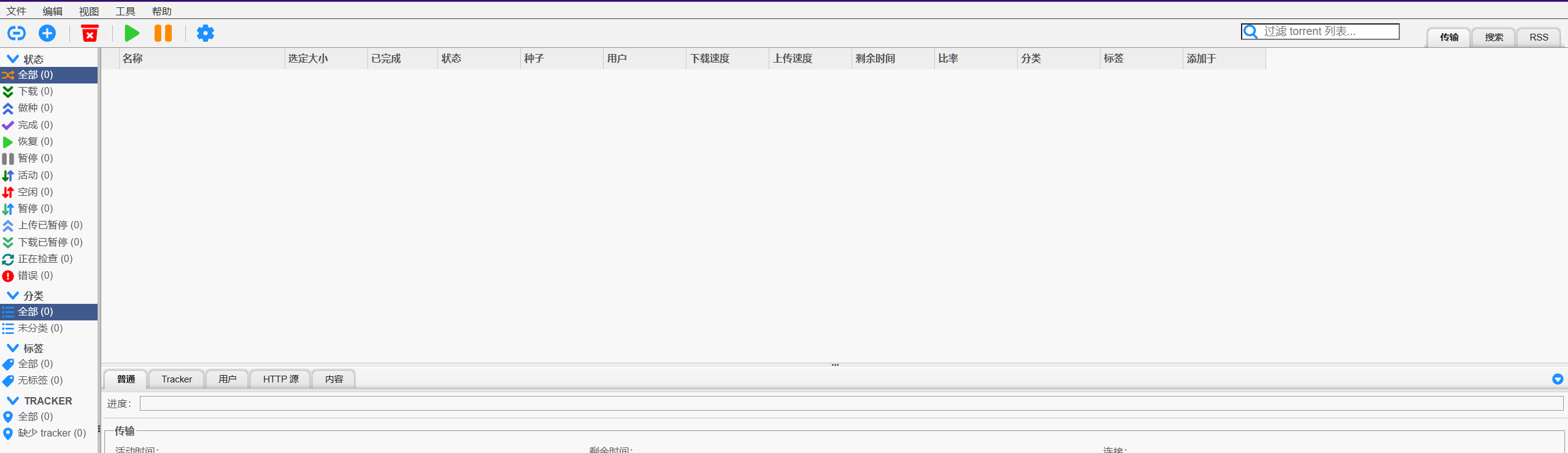
Successfully logged in with the new password, so the change worked.
4. Configure auto-start on boot
vi /etc/systemd/system/qbittorrent-nox.servicePaste this in:
[Unit]Description=qBittorrent-noxAfter=network.target
[Service]User=rootType=forkingRemainAfterExit=yesExecStart=/usr/bin/qbittorrent-nox -d
[Install]WantedBy=multi-user.target
Then save and quit with :wq.
- In order for the
systemdservice to start correctly, you should first terminate the currently runningqbittorrent-noxprocess.
Check the process:
ps aux | grep qbittorrent-noxYou can see that the process with PID 3198299, qbittorrent-nox -d, is running:
root 3198299 0.2 1.9 906260 48272 ? Ssl 01:04 0:04 qbittorrent-nox -droot 3211211 0.0 0.0 6464 2148 pts/1 S+ 01:30 0:00 grep qbittorrent-noxKill it first:
sudo kill -9 3198299Then verify it is really gone. The output should contain only the grep qbittorrent-nox line and no other qbittorrent-nox process:
ps aux | grep qbittorrent-noxNow it can be started:
systemctl start qbittorrent-noxsystemctl enable qbittorrent-noxCheck whether it was set successfully. If it shows enabled, it has been configured to start on boot:
sudo systemctl status qbittorrent-nox.service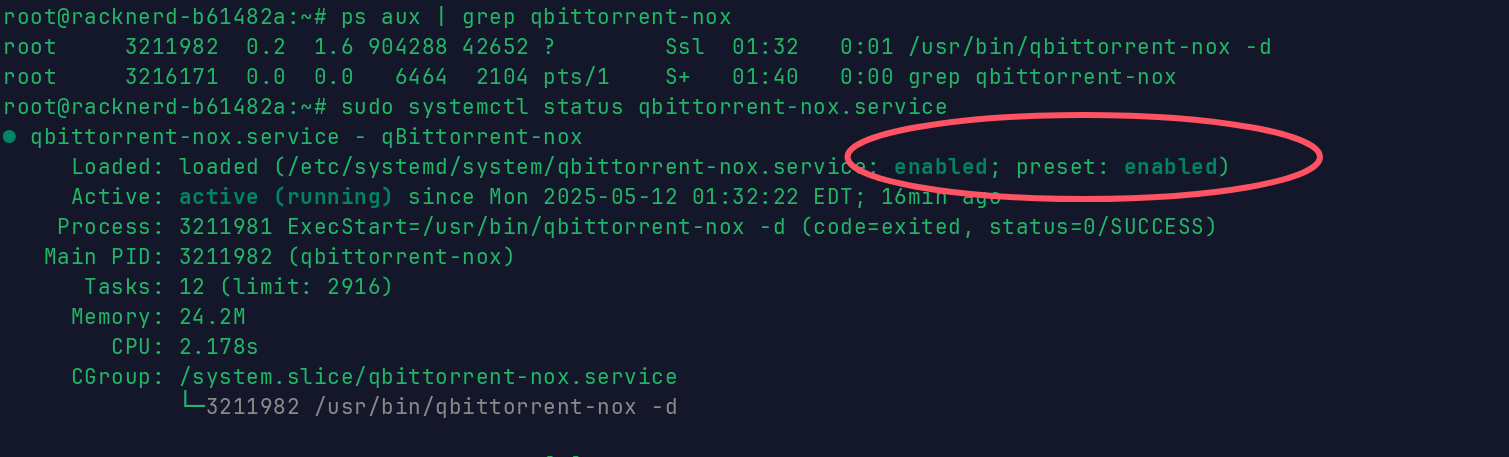
A shorter way to check:
sudo systemctl is-enabled qbittorrent-nox.service
5. Uninstall qBittorrent
I will not demonstrate this one.
# Stop the servicesudo systemctl stop qbittorrent-nox.service
# Disable the servicesudo systemctl disable qbittorrent-nox.service
# Uninstall qbittorrent-nox and remove configuration filessudo apt purge -y qbittorrent-nox
# Clean up leftover dependenciessudo apt autoremove -y
# Remove the systemd service filesudo rm /etc/systemd/system/qbittorrent-nox.servicesudo systemctl daemon-reload
6. About trackers
If you do not configure trackers, some less popular resources may have no download speed.
How to add them: just paste the links in and click save, one per line:
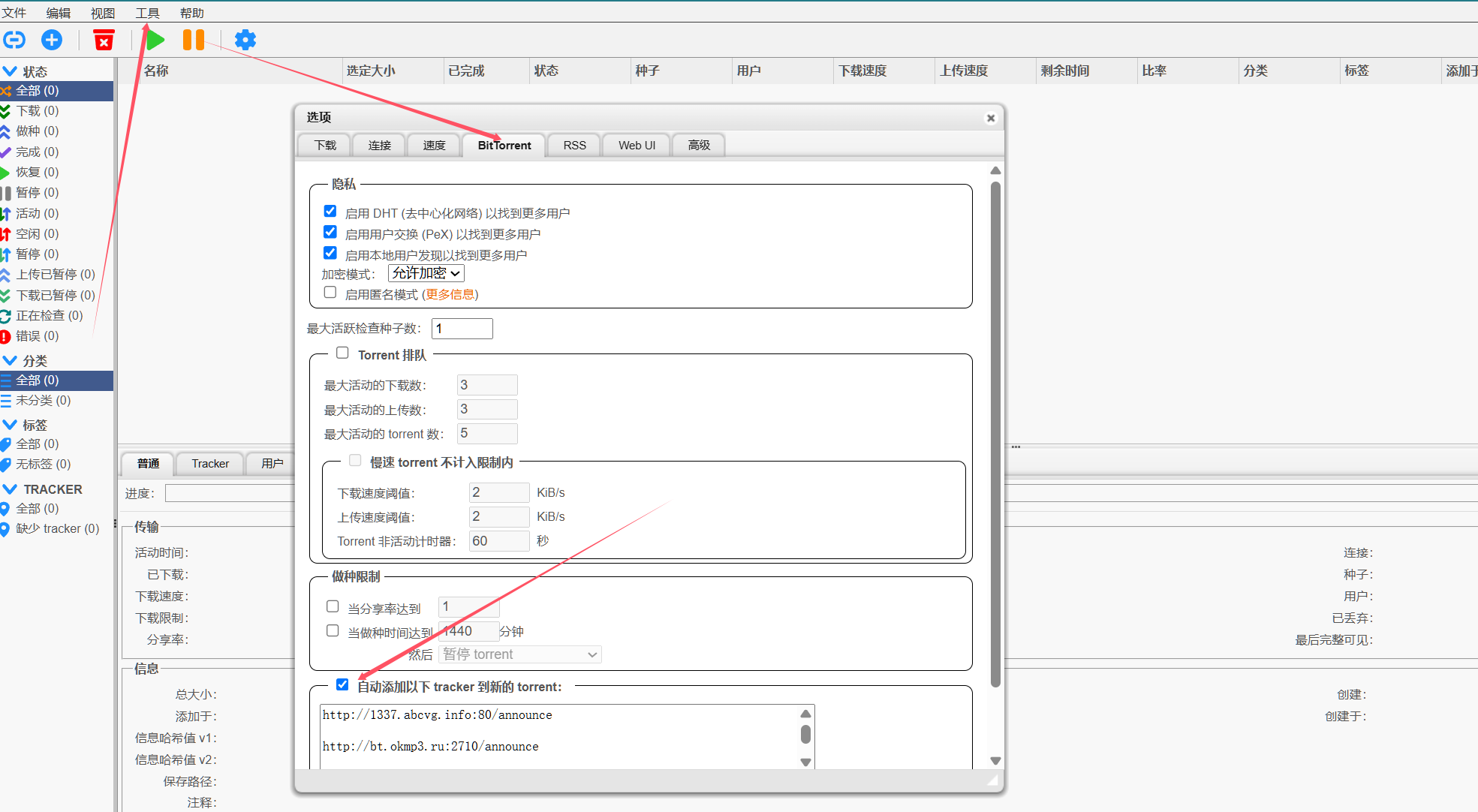
How to get tracker links:
https://github.com/XIU2/TrackersListCollection/blob/master/README-ZH.md
Try downloading a movie. The speed is actually pretty good.
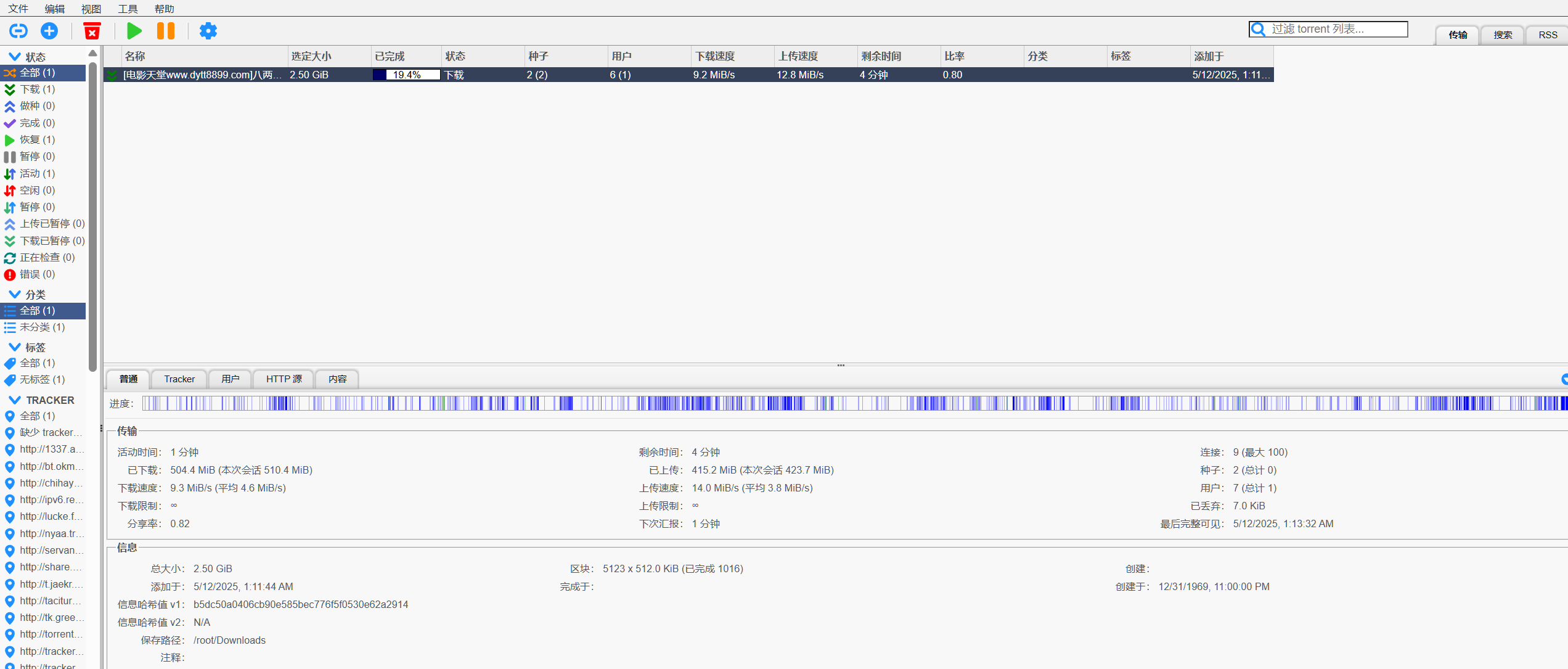
Since we are already here, you can also mount it through Alist. Choose Local Storage, set any mount name you want, and make the root folder path the qBittorrent download directory. By default it is /root/Downloads/.

Now you have a free magnet-link movie-watching tool, and you can say goodbye to bloated Thunder.